

Retail customer assistance works best when asking for help is only the beginning of the process.
A button or other request method can tell a store that someone needs assistance. The bigger operational issue is what happens after that signal reaches the team. Clear ownership, backup coverage, escalation, confirmation, and follow-up can determine whether a request turns into actual help or becomes another alert competing for attention.
For retailers, the response process deserves the same thought as the way the request is made.
The Alert Needs a Destination
A customer should not need to know how the store is staffed behind the scenes. The request should enter a process that already has a clear destination.
Each store can define which role normally receives customer assistance requests and who is expected to take responsibility. That may depend on the department, store layout, staffing model, or time of day.
When several people hear the same alert but no one knows who owns it, responsibility can become unclear. A simple operating process should make the handoff obvious so the request moves from notification to action.
This is especially important around secured merchandise. A strong retail theft prevention strategy still has to account for customer access. Security may protect the product, but the store also needs a practical way to help legitimate shoppers when assistance is required.
Backup Coverage Keeps the Request Moving
Even a well-defined primary responder will not always be available.
A useful retail customer assistance process accounts for that before the request happens. Another associate, department lead, or manager may take responsibility when the first responder cannot.
Escalation here is simply about keeping customer assistance moving through the store. It should not be confused with an employee safety or emergency response process. The goal is to prevent a request from sitting unanswered because everyone assumed someone else was handling it.
Backup coverage gives the request somewhere to go instead of allowing it to disappear when the first person is unavailable.
Confirmation Closes the Loop
Sending an alert is not the same as confirming that assistance arrived.
A store’s operating process can include a simple way to close the loop once the request has been handled. That may happen through normal radio communication, an internal procedure, or another method the retailer already uses.
What matters is that the team knows when responsibility has moved from “someone needs help” to “someone is helping.”
A clear acknowledgment can also prevent several employees from responding to the same request unnecessarily. For retail customer assistance, that confirmation is an important part of turning an alert into an actual service response.
Keep Different Alerts in Their Own Lane
Not every button or alarm in a store serves the same purpose.
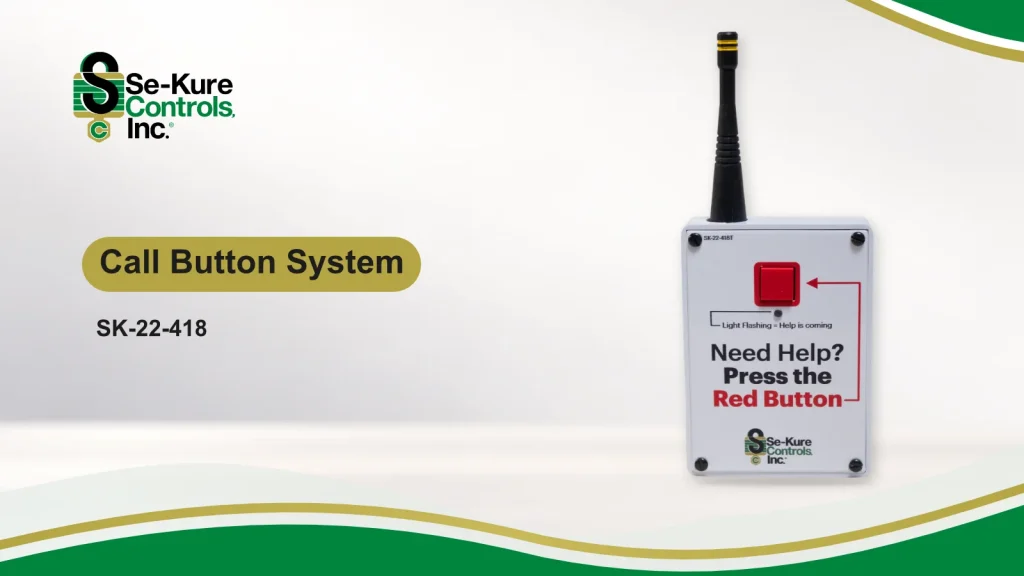
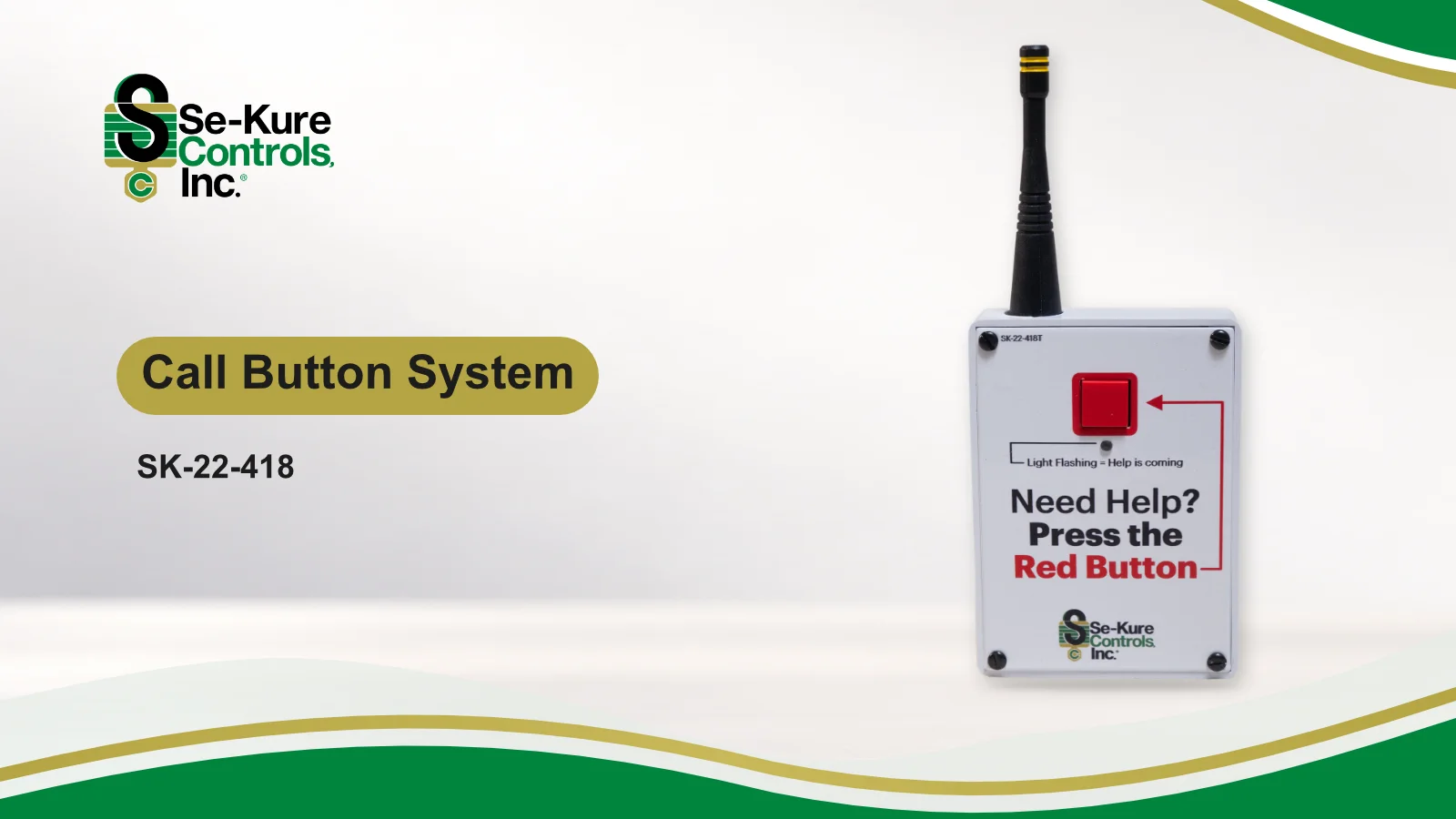
Se-Kure’s Call Button System provides a way to request assistance and sends a selected audio message through a connected radio system. In a retail environment, that can support areas where someone needs staff assistance.
That is different from an employee safety alert, which should follow the retailer’s own safety procedures and designated tools.
It is also different from merchandise alarms, which are designed around protecting products and displays.
Keeping those purposes separate helps reduce confusion. Customer assistance should lead into a customer service response. Merchandise alarms belong within the store’s loss prevention procedures. Employee safety situations require their own established response process.
The technology may look similar from a distance, but the purpose and the response should remain clear.
Follow-Up Improves the Process
Retail customer assistance should not end the moment someone reaches the customer.
Repeated delays can reveal gaps in coverage. Confusion over who should respond can reveal unclear ownership. Requests that regularly come from the same area may show where staffing, signage, secured merchandise access, or store layout deserves another look.
Follow-up does not have to become a complicated reporting exercise. Its value is in learning whether the process worked and making practical adjustments when it did not.
That same thinking can support a broader store security strategy. The physical device is only one part of how a store operates around customers, merchandise, and employees.
A Button Starts the Handoff
A request for help is only useful if the store has a clear way to act on it.
Strong retail customer assistance connects the request to a responsible person, provides backup when needed, keeps unresolved requests moving, confirms that help arrived, and gives the store a chance to learn from what happened afterward.
Technology can make the request visible. The response process is what turns that request into service.
For retailers evaluating customer assistance around secured merchandise or other areas where shoppers may need help, the most useful planning often begins after the button is pressed.
Connect With the Se-Kure Team
Every retail environment handles customer access and assistance differently. Se-Kure works with retailers to understand the merchandise, display, store environment, and customer experience before recommending a solution.
Connect with the Se-Kure team to discuss your retail security and customer assistance needs.
Stay Connected
Discover more insights on retail theft prevention, merchandise protection, customer access, and display security on the Se-Kure Controls blog.
Follow Se-Kure Controls
Follow Se-Kure Controls for industry updates, product innovations, and expert perspectives: